Brandmark
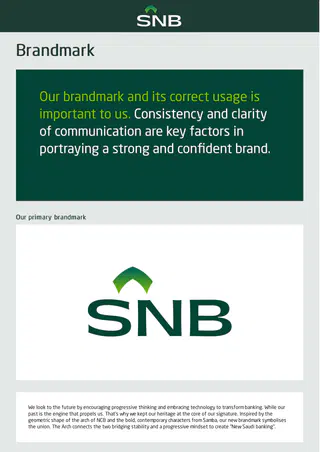
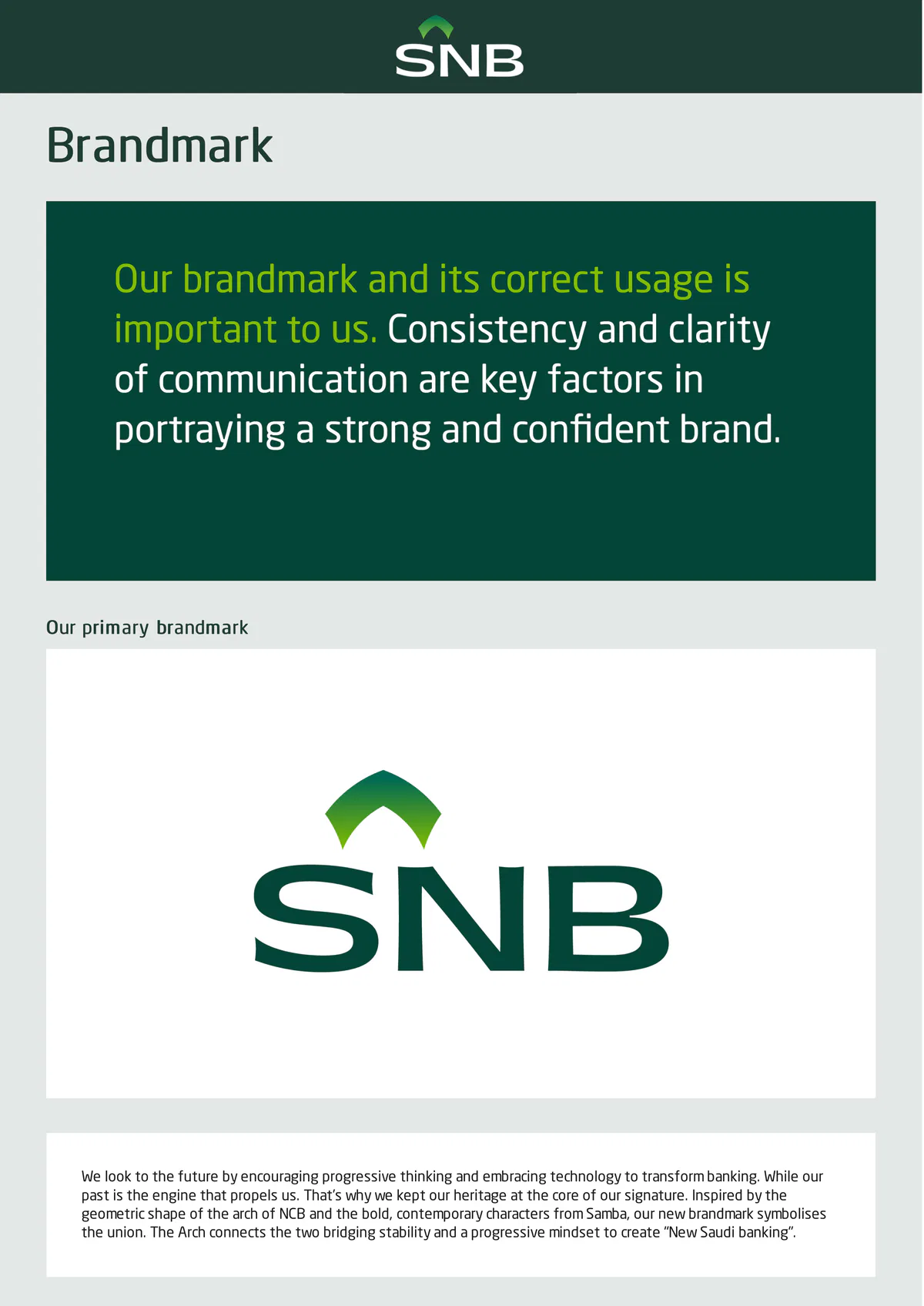
Our primary brandmark
We look to the future by encouraging progressive thinking and embracing technology to transform banking. While our
past is the engine that propels us. That’s why we kept our heritage at the core of our signature. Inspired by the
geometric shape of the arch of NCB and the bold, contemporary characters from Samba, our new brandmark symbolises
the union. The Arch connects the two bridging stability and a progressive mindset to create "New Saudi banking".Brandmark backgrounds
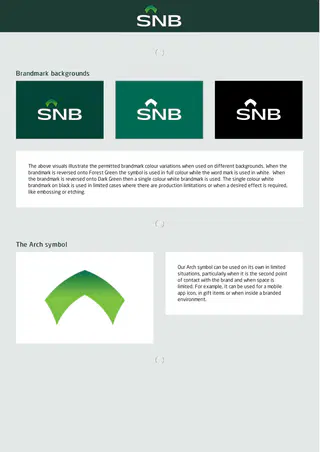
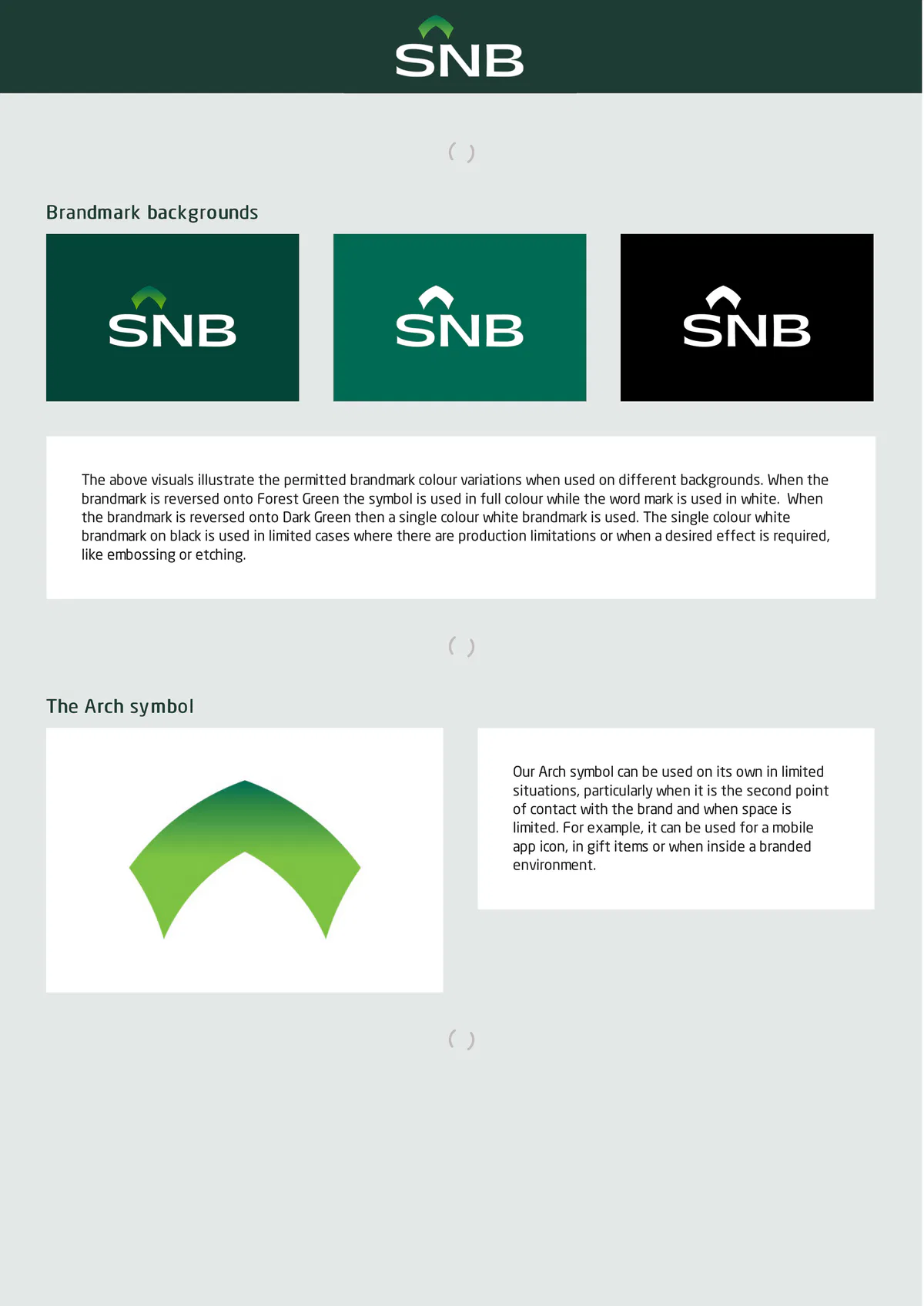
The above visuals illustrate the permitted brandmark colour variations when used on different backgrounds. When the
brandmark is reversed onto Forest Green the symbol is used in full colour while the word mark is used in white. When
the brandmark is reversed onto Dark Green then a single colour white brandmark is used. The single colour white
brandmark on black is used in limited cases where there are production limitations or when a desired effect is required,
like embossing or etching.
The Arch symbol
Our Arch symbol can be used on its own in limited
situations, particularly when it is the second point
of contact with the brand and when space is
limited. For example, it can be used for a mobile
app icon, in gift items or when inside a branded
environment.Arabic brandmark
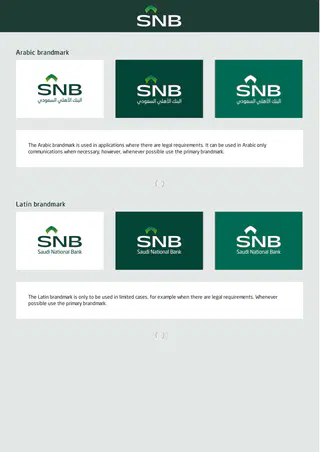
The Arabic brandmark is used in applications where there are legal requirements. It can be used in Arabic only
communications when necessary, however, whenever possible use the primary brandmark.
Latin brandmark
The Latin brandmark is only to be used in limited cases, for example when there are legal requirements. Whenever
possible use the primary brandmark.Clear space
Minimum size
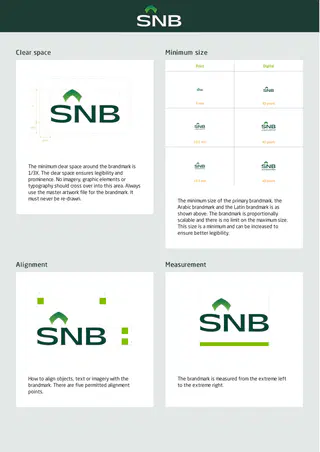
The minimum clear space around the brandmark is
1/3X. The clear space ensures legibility and
prominence. No imagery, graphic elements or
typography should cross over into this area. Always
use the master artwork file for the brandmark. It
must never be re-drawn.
The minimum size of the primary brandmark, the
Arabic brandmark and the Latin brandmark is as
shown above. The brandmark is proportionally
scalable and there is no limit on the maximum size.
This size is a minimum and can be increased to
ensure better legibility.
Alignment
Measurement
How to align objects, text or imagery with the
The brandmark is measured from the extreme left
brandmark. There are five permitted alignment
to the extreme right.
points.Positioning
The positioning of the brandmark varies depending on the layout and usage. It can be positioned in all four corners of a
page. In limped cases the brandmark can be postponed centred at the top of a page, for example in mobile apps or ID
card. Shown above are examples of where the brandmark can be positioned in standard portrait format.
Misuse
Some examples of what not to do with the brandmark to ensure the credibility and legibility of the brand.Grid
We have two grids that will help maintain consistency across all brand applications: type grid and colour block grid. The
type grid is used to position copy, and the colour block grid used to position and define the colour block.
Please refer to the graphic device section of these brand guidelines for more information on how the colour block
device is used.
Portrait type grid
The type grid is used to position copy. A standard
A4 portrait grid is made up of 4 columns. Each
column is divided into four to allow for flexibility
when designing layouts and positioning text
within the colour block. The margin is 15 mm all
around and the gutter is 5 mm.
Use this grid as a basis to adapt to any size or
format.Landscape type grid
A standard A4 landscape grid is made up of 6
columns. Each column is divided into four to allow
for flexibility when designing layouts and
positioning text within the colour block. The margin
is 15 mm all around and the gutter is 5 mm. Use this
grid as a basis to adapt to any size or format.
Colour block portrait grid
The colour block grid is used to create blocks that
hold our brand messaging, as well as our brandmark,
if needed. In a standard A4 portrait grid the margin
is 15 mm all around. The grid is divided into 4
columns and 6 rows.Landscape colour block grid
In a standard A4 landscape grid the margin is 15 mm
all around. The grid is divided into 6 columns and 4
rows.
How to adapt the colour block grid to various formats
When working with various portrait formats, use the A4 portrait grid as the basis. Resize the A4 portrait grid so that the
width of the grid is the same size as that of the format, as illustrated above. Then extend the rows if necessary, and
revise the top and bottom margins so that they are of equal value.When working with various landscape formats, use the A4 landscape grid as the basis. Resize the A4 landscape grid so
that the width of the grid is the same size as that of the format, as illustrated above. Then reduce the rows if
necessary, and revise the top and bottom margins so that they are of equal value.
UsageExamples of how the two grids work together. Follow the same guidelines for all formats.
For more examples, please refer to the graphic device and applications sections of these brand guidelines.